

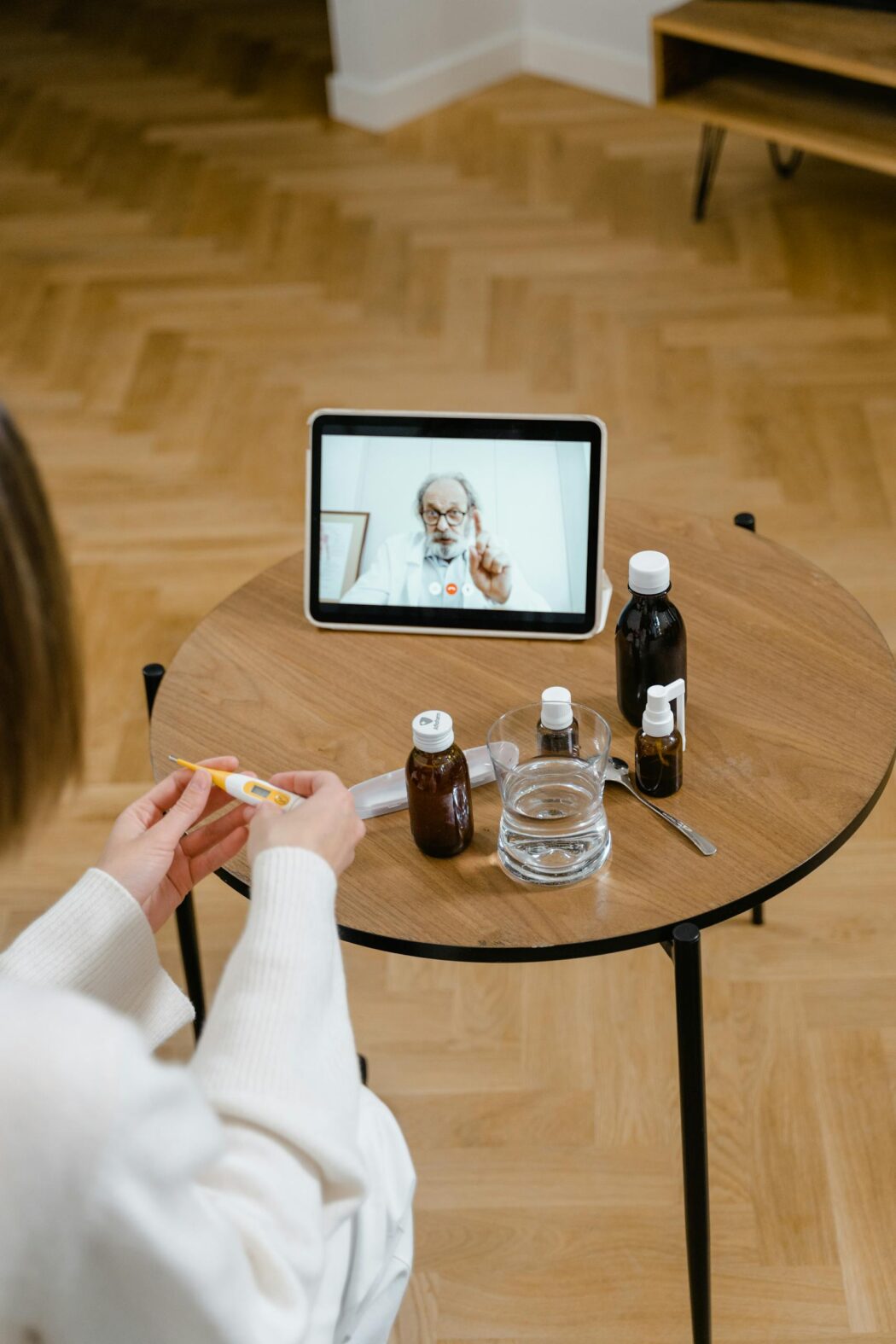
Technology in the World of Childhood Cancer

Using Technology to Stay Informed and Organized
Your child has been diagnosed with cancer. You’ve received a lot of initial information about your child’s blood work, imaging, appointments, and medication. You may feel overwhelmed by all this. Communicating with your child’s healthcare team is also a priority. Technology such as electronic health records, patient portals, and healthcare apps can help you stay informed and organized.
In two previous articles, we learned how to create a medical binder. We also learned how to use this binder to communicate with your child’s healthcare team. In this article, you will learn how to use technology alone or together with your child’s medical binder.
How to Use Electronic for Health Records and Patient Portals
Electronic Health Records (EHRs) contain medical documents that multiple healthcare providers can access for the same patient. Your child’s entire healthcare team can access all of your child’s test results and patient notes. They can do this as long as they have access to the EHR. Members of your child’s healthcare team will have access to the same EHR if they work in the same hospital or are affiliated with the same hospital.
Setting up an account in a patient portal is a way you can access your child’s medical records. You can see records from all members of their healthcare team. The best use of the EHR is to create an account in the patient portal. You should do this with the hospital or clinic that provides most of your child’s cancer treatment. Your child’s healthcare team can coordinate treatment plans when they use an EHR.
You can use the patient portal to see your child’s list of medication’s, view upcoming appointments, and communicate with your child’s healthcare team.
You can also use the patient portal to check the accuracy of your child’s medical records and review test results. Reviewing patient notes can help you prepare questions for your child’s next appointment. Download documents through the patient portal. Keep these documents in your child’s medical binder and share them with members of your child’s healthcare team who may not have access to that specific EHR.Reviewing test results and patient notes can help you prepare questions for your child’s next appointment. Ask questions about information in your child’s medical records when you need clarification. You can download documents through your patient portal to keep in your child’s medical binder. You can also share these documents with members of your child’s healthcare team who may not have access to that specific EHR.
Other things you can do through your patient portal are:
- Send a request to have prescriptions refilled
- Pay your co-pay or other services that may not be covered by your insurance
- Fill out medical documents
- Receive reminders and notifications
Healthcare Apps for Medication and Appointment Tracking Technology
Using healthcare apps for medication and appointment tracking can help you make better informed decisions. These decisions are important for your child’s cancer treatment. You can set the time and dosage of each of your child’s medications in these apps. You will also receive notifications of when it’s time to give your child their medication and how much to give. Use these apps to access information about side effects. Also, you can check for potential drug interactions with certain combinations of medications as well. You can use these apps alone or in combination with your child’s medical binder.
You can receive your child’s upcoming appointments and with which provider, by using appointment tracking apps. This makes it easy to coordinate appointments with certain members of your child’s healthcare team. You can also schedule your child’s appointment through these apps. This means you don’t have to make a phone call.
Other reasons to use healthcare apps for medication and appointment tracking are:
- Ease of use
- User-friendly “look and feel” technology
- Quick access to test results and documents
Cancer patients use the following apps:
The American Cancer Society recommends ACS Cares, which offers cancer patients information, instructions, and services that fit their specific cancer treatment.
Wal-Mart owns Care Zone, which helps people keep track of their medications by scanning the pill bottles to create a list of medications. This app also has reminders for patients when to take their medications and when it is time for a refill. Patients can also track their blood sugar and blood pressure in this app.
CaringBridge, created CaringBridge, a social media site for people with cancer and other chronic illnesses. You can post test results for your family and friends to see. You can also post health updates.
Snappii created an app called My Medical. You can use it to store all of your child’s medical information. Think of this app as an electronic version of your child’s medical binder.
Roble Ridge Software created Moodfit, a free mental health app where you can track your moods over time and understand the things that affect your feelings.
Tips for Storing Your Child’s Health Information on Technology
You have probably heard about the Health Insurance Portability and Accountability Act (HIPAA). It contains federal laws that protect patients’ medical information. HIPAA laws do not protect medical information that you store in medical apps, on tablets, or on cell phones. This means you need to be careful when storing this information on electronic devices. Below are ways to keep your child’s medical information secure when you are not using a patient portal.
- Do an internet search for user reviews of a particular app before downloading and using it.
- After you download a new app, review the privacy settings. Make sure the public cannot view your child’s medical information.
- Use a strong password that contains at least 12 characters, has capital letters and small letters, and numbers.
- Make your password a sentence so that it is easy for you to remember and you don’t have to write it down. For example, “I Love Horses” can be turned into the password “1Lov3Horses!”.
- Update your password(s) every 60-90 days.
- Use different passwords for each app.
- Don’t give your password to anyone. Don’t write your password down in your child’s medical binder.
- Enable multi-factor authentication (MFA) on your phone or tablet and on each app. Enabling Face ID or having the app call or text a code to your phone or send a code to your email address are examples of multi-factor authentication.
- Don’t assume all social media sites are protected or private. Don’t share your child’s medical information on social media that you wouldn’t want to go public.
- Don’t access your child’s medical information on public or unsecured networks. Access networks on your phone or tablet that you have to enter a password to use.
Conclusion
Staying organized during your child’s cancer treatment is essential. Using electronic health records, patient portals, and healthcare apps can help you keep your child’s medical information organized and help you stay organized with your child’s care. By using tips on how to store your child’s medical information and choosing the right tools, you can manage your child’s medical information safely and efficiently.
References:
https://www.thisislivingwithcancer.com/content/Understanding_Electronic_Health_Records#:~:text=A%20cancer%20diagnosis%20may%20require,is%20through%20a%20patient%20portal.
https://www.cancernetwork.com/view/early-access-to-electronic-health-records-may-influence-the-patient-experience#:~:text=Patient%20access%20to%20EHRs%20can,between%20patients%20and%20medical%20professionals.
https://pmc.ncbi.nlm.nih.gov/articles/PMC8386919/#:~:text=Patient%20portal%20adoption%20is%20variable,potential%20in%20improving%20patient%20outcomes.
https://www.healthit.gov/sites/default/files/how_to_keep_your_health_information_private_and_secure.pdf
https://support.norton.com/sp/en/us/home/current/solutions/v126247096 https://nordpass.com/blog/how-often-should-you